
01
No CarPlay to begin with
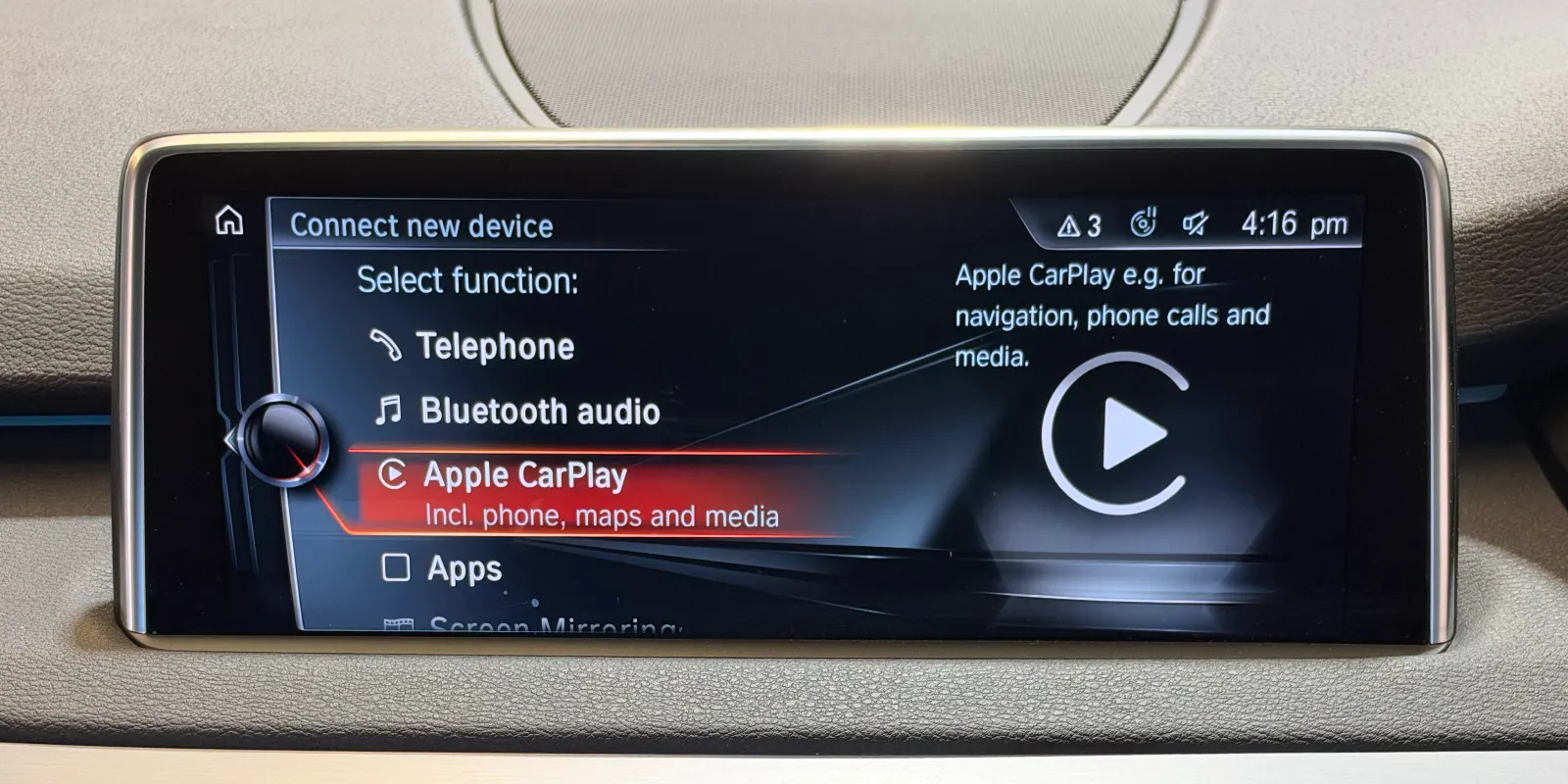
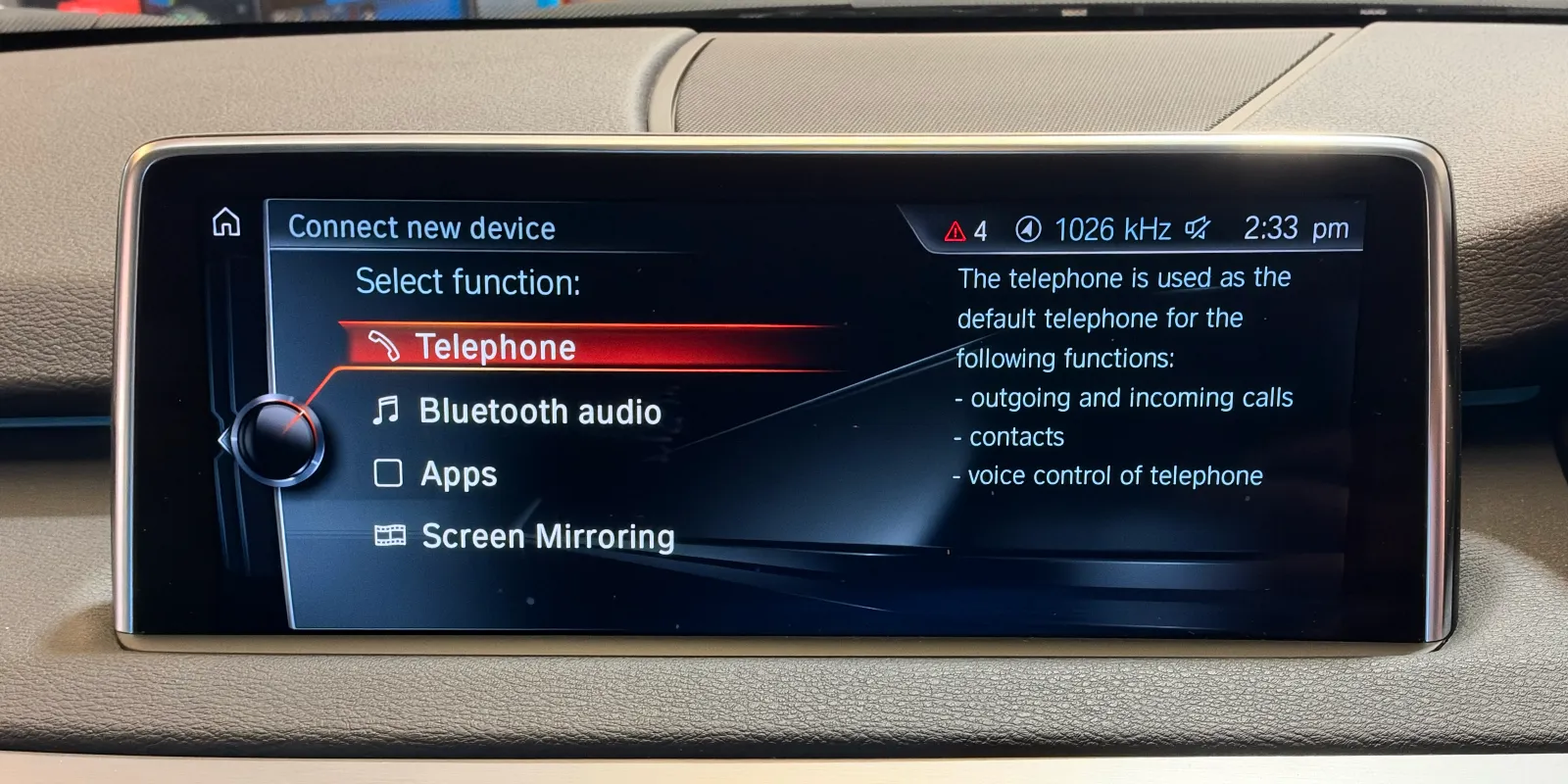
Before the update, the X5's "Connect new device" menu offered Telephone, Bluetooth audio, Apps and Screen Mirroring. After it, Apple CarPlay is in the same list. Drag the photo above to see the two menus.
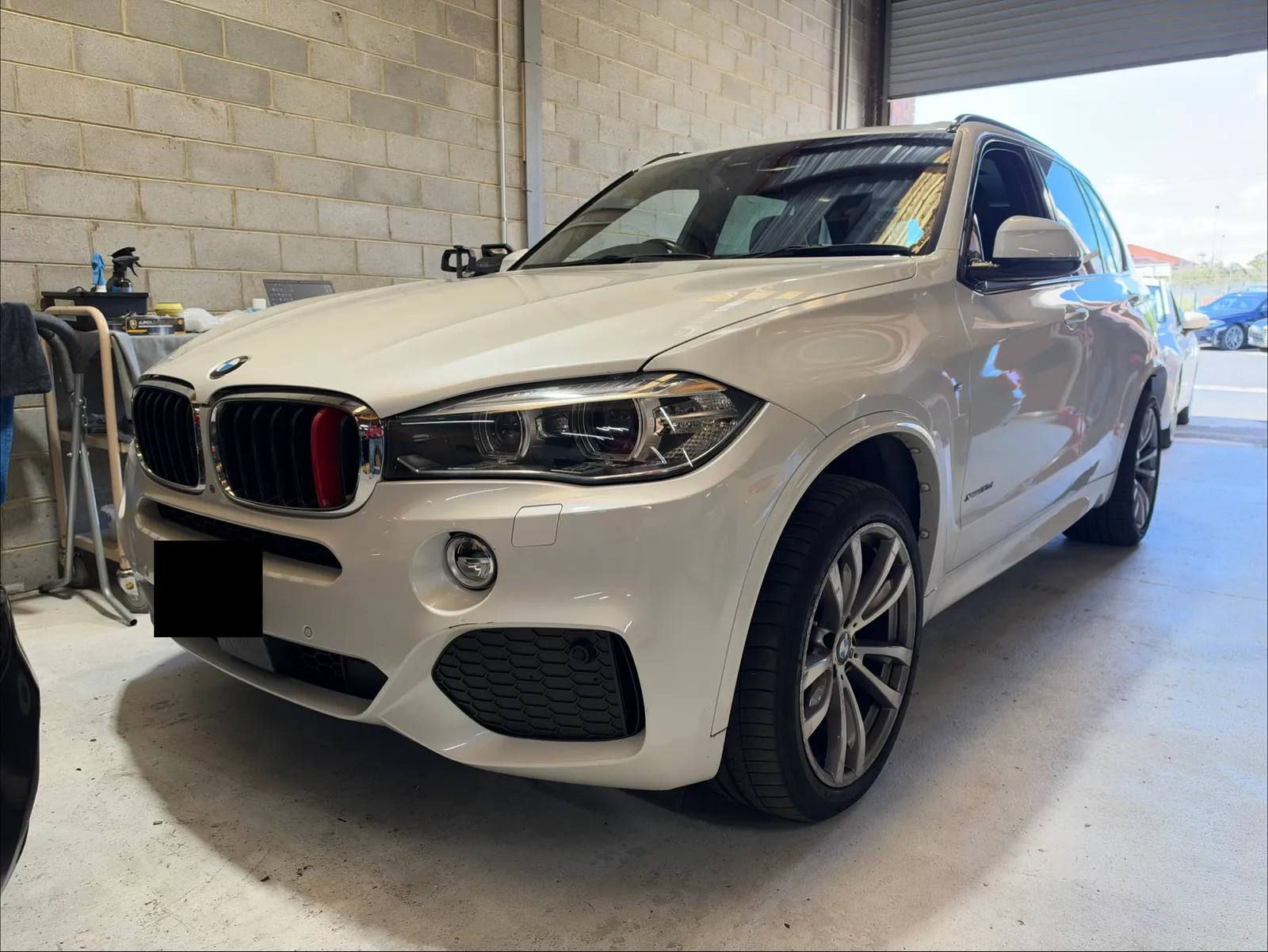
A 2016 BMW X5 (F15) that had no Apple CarPlay: the factory NBT EVO head unit's software updated and BMW's own wireless CarPlay activated and set to full screen, keeping the factory screen and iDrive, at our Oakleigh South workshop in Melbourne on 5 November 2026. $450.
This 2016 X5 came in without Apple CarPlay. In the iDrive menu for connecting a phone, the choices were Telephone, Bluetooth audio, Apps and Screen Mirroring, and nothing for CarPlay. Nothing in the car was replaced. With a power supply on the battery to hold the voltage steady, the head unit's software was updated and BMW's own Apple CarPlay was activated and coded. Apple CarPlay now sits in that same menu, connects wirelessly, and fills the whole width of the factory screen. The screen and the iDrive controller are as they were. We did the job on Thursday 5 November 2026, $450 including GST.
Today’s prices for the same work, including GST.
01
Before the update, the X5's "Connect new device" menu offered Telephone, Bluetooth audio, Apps and Screen Mirroring. After it, Apple CarPlay is in the same list. Drag the photo above to see the two menus.
02
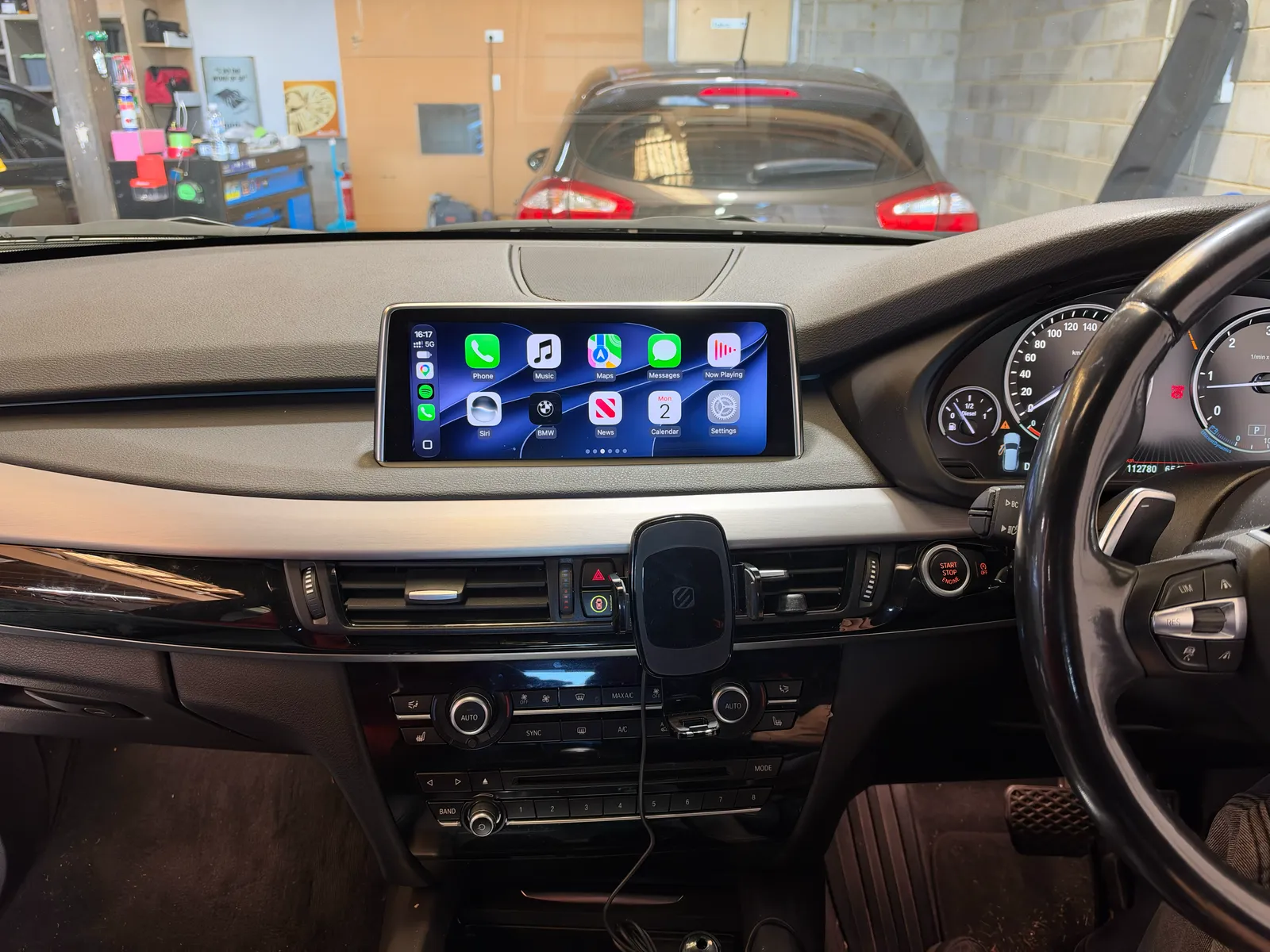
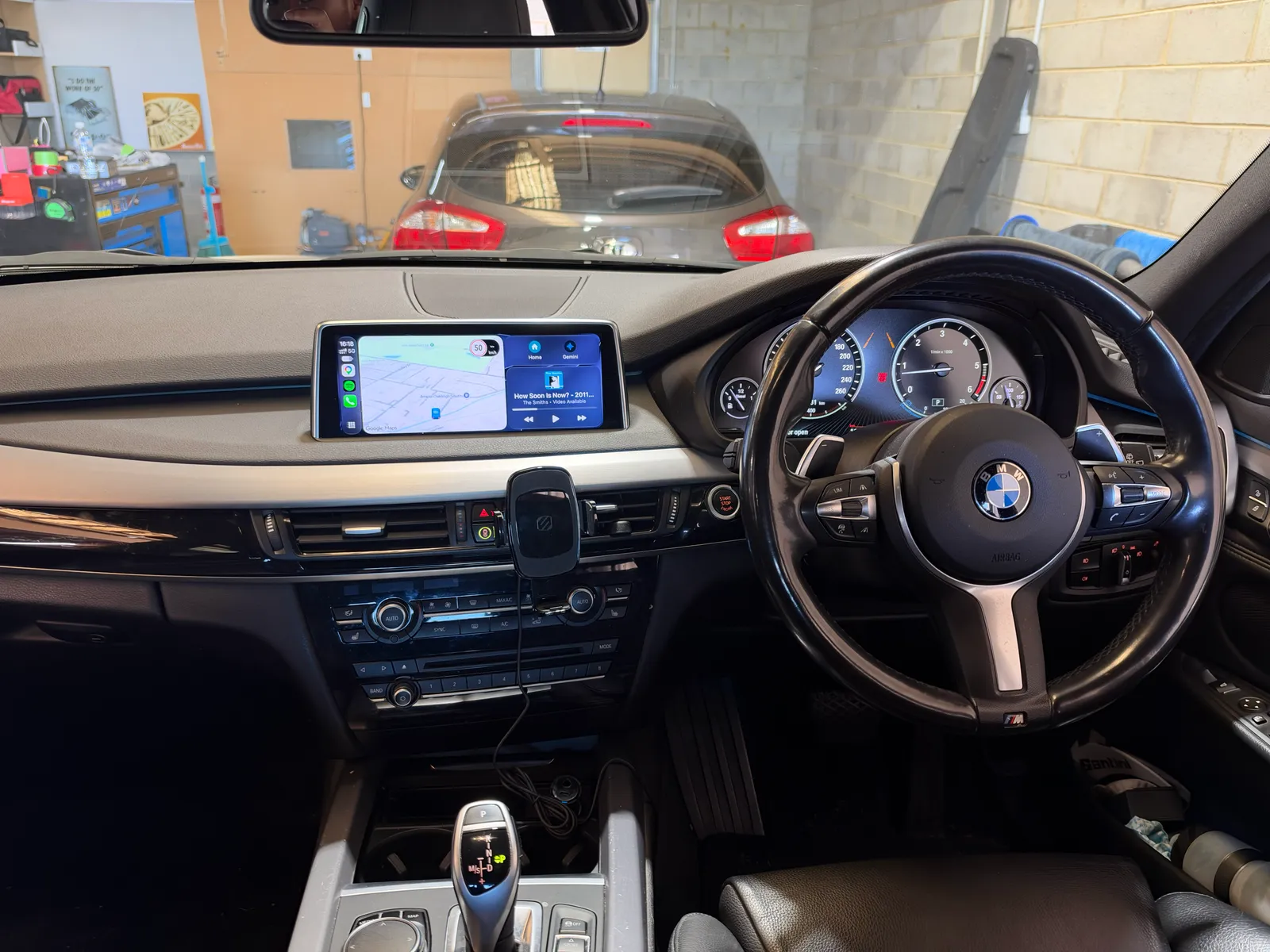
The head unit's software was updated and CarPlay activated in BMW's own system. The factory screen, the iDrive controller and the dash stay exactly as they were, with no box or extra screen added.
03
On older software, BMW's CarPlay can sit in part of the screen with BMW's own panel beside it. On this X5 it was set to full screen, so maps and apps use the whole width of the display.
04
The iPhone connects without a cable. Maps, music, calls and messages come up on the factory screen, and the BMW icon on the CarPlay home screen goes back to iDrive.
05
Not always. X5s of this generation came with different iDrive systems, and what can be activated depends on the one fitted. Send us a photo of your screen and we'll tell you before you book.
After · CarPlay across the whole screen
See more installations
All work