01
Cab unit: road ahead and the cab itself
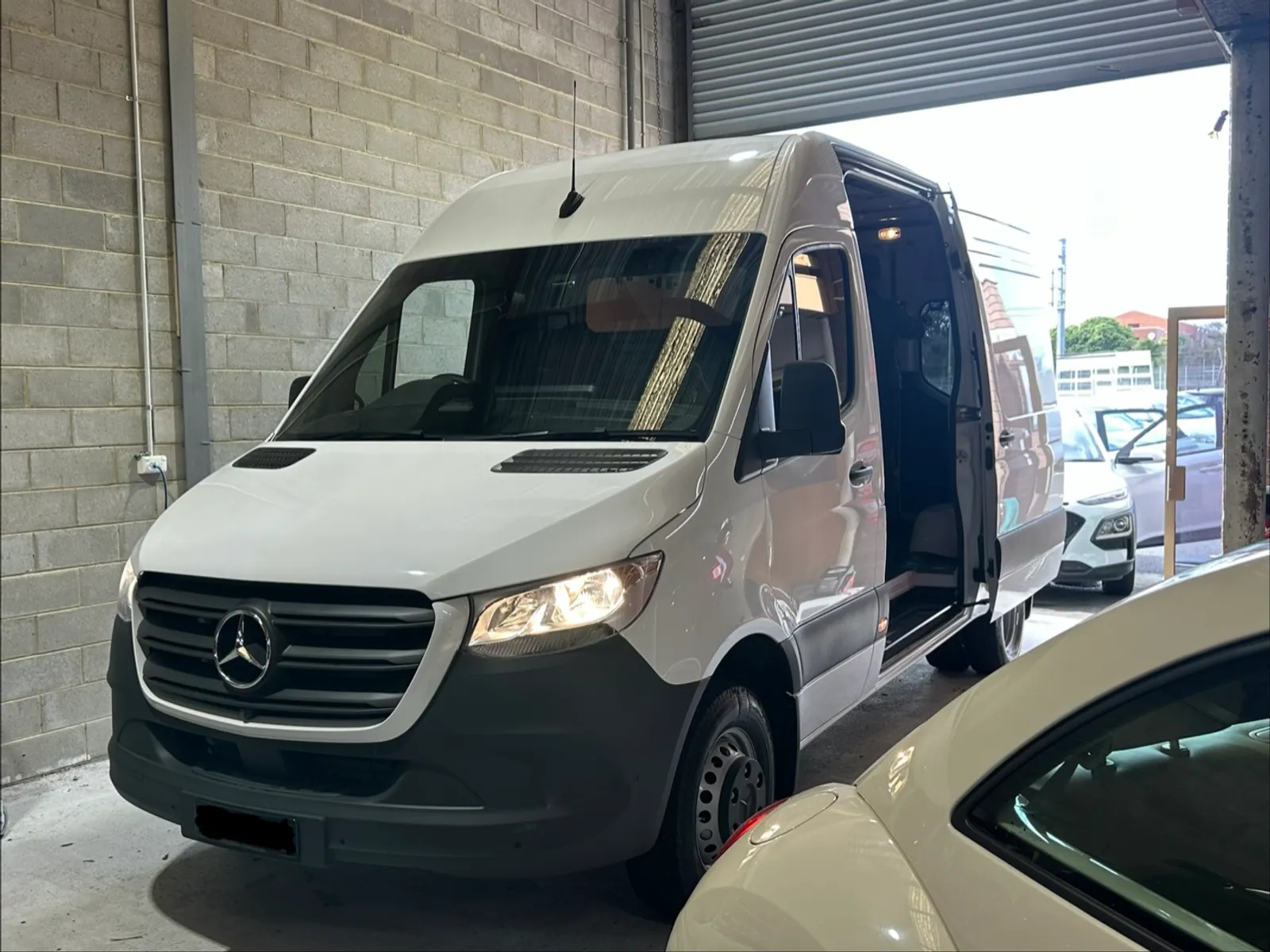
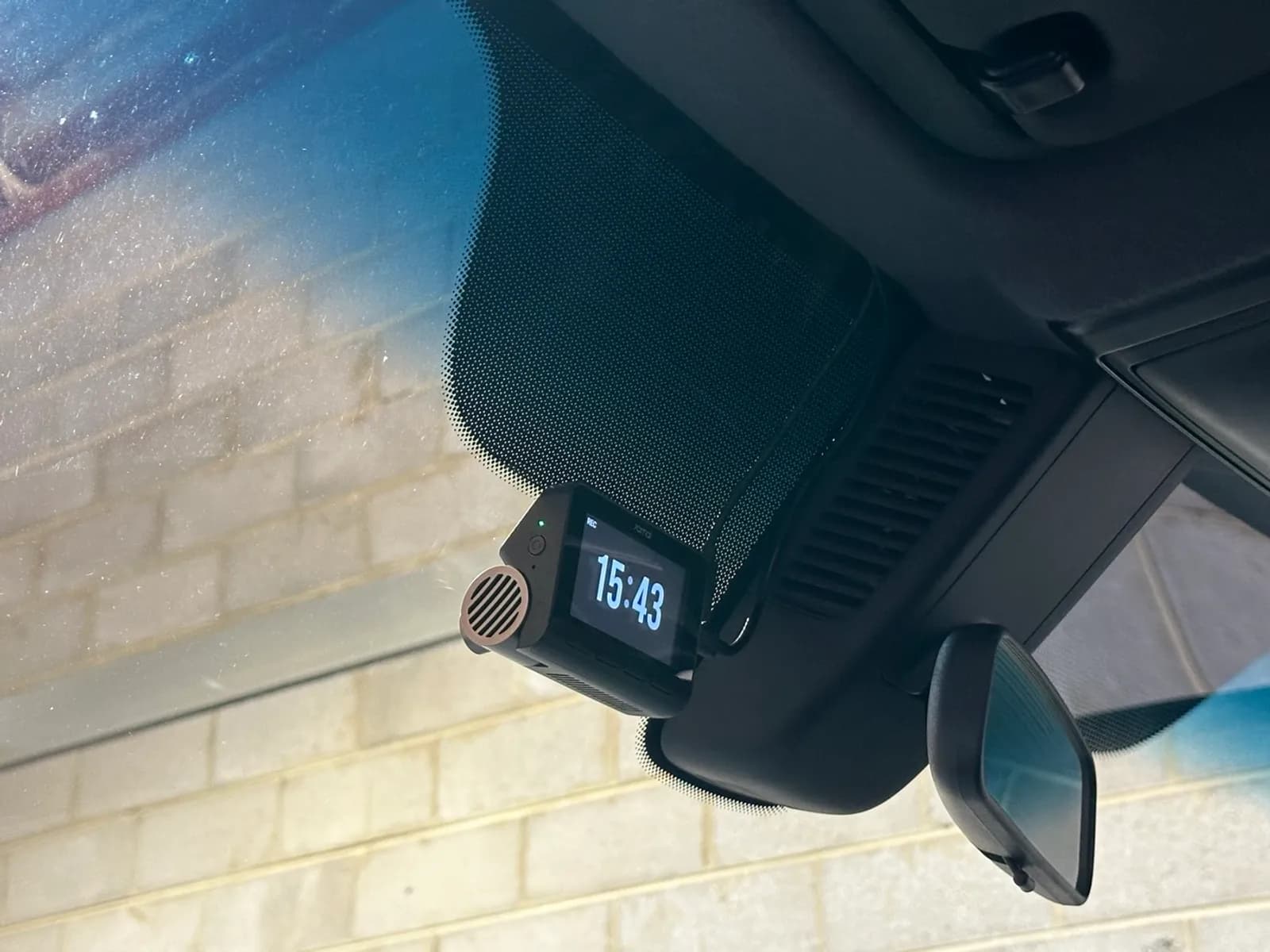
The first A800se was mounted high on the windscreen beside the rear-view mirror, where it sits above the wiper sweep and out of the driver's eyeline. Its main camera covers the road ahead. Its second camera is turned inwards to cover the cab, which is the angle that matters when a delivery driver needs to show what happened during a stop rather than on the road.
02
Cargo unit: load space and the road behind
The second A800se was installed at the front of the cargo area. Its main camera faces back into the load space, so loading, unloading and the condition of freight are all on record. Its second camera was mounted at the rear of the van looking out, giving a rear road view that a windscreen-only camera can never provide in a panel van with no rear window.
03
Cabling run inside the trim, not across the load space
A cargo area is a working space, so a cable draped across it would not survive long. Both units were wired along the roof rail and headlining, following the factory trim line from the cab through to the rear of the van. Nothing crosses the load floor, nothing hangs where a pallet or a trolley can catch it.
04
Every channel aimed and checked on the screen
Each of the four channels was framed and confirmed on the units' own displays before handover — road ahead, cab, cargo bay and the road behind. Both units record independently, so a fault on one still leaves the other recording.
05
Why this suits courier and freight work
Operators running deliveries deal with two kinds of dispute that a normal dash cam cannot answer: what happened at the kerb, and what condition the freight was in. Covering the cab and the load space alongside the road answers both. In-cab and load-space recording also involves people, so it is worth aligning the setup with your own staff and privacy policies before it goes into service.